

What the app is
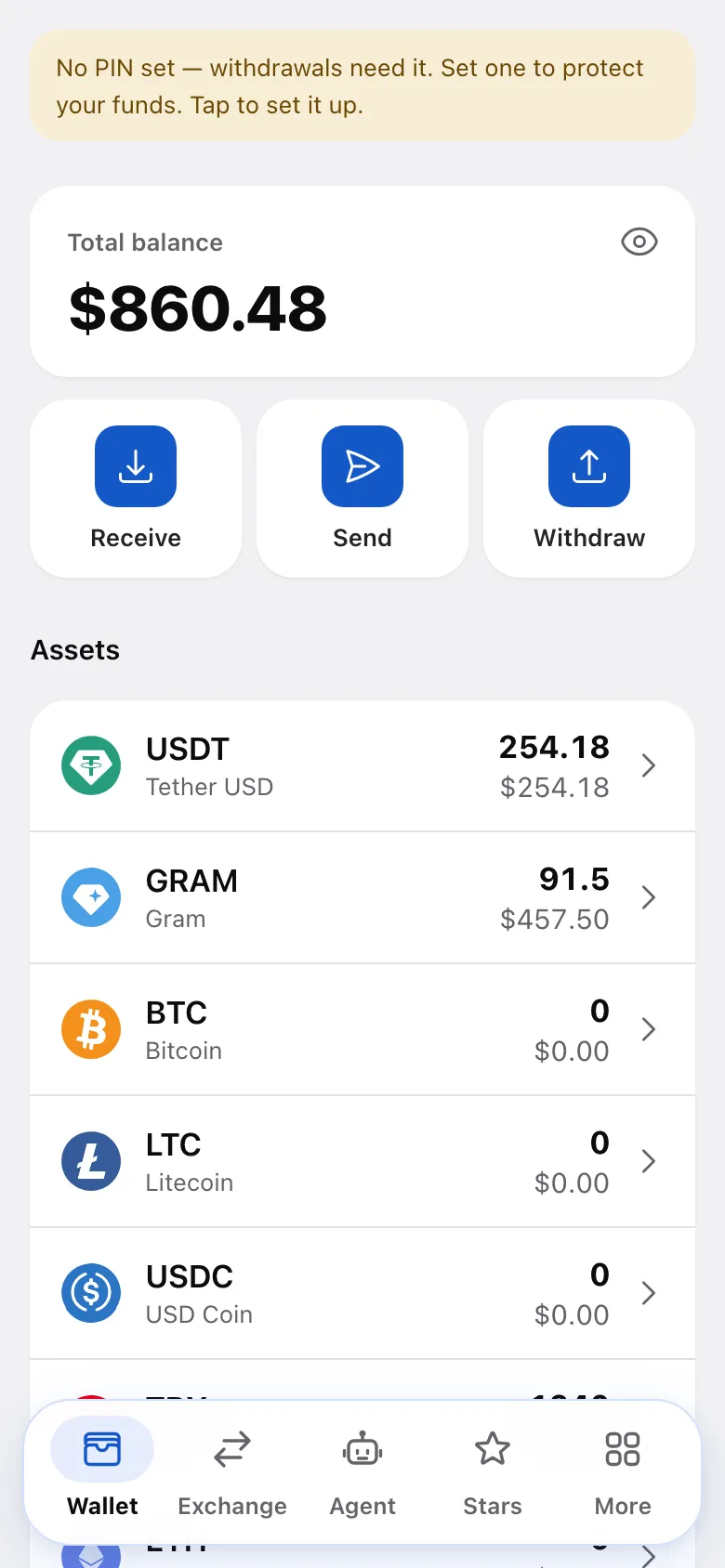
The app is a crypto wallet that lives inside Telegram. There’s no separate wallet app to install: open the bot to hold, send, swap and withdraw crypto in the Mini App. You can also sign in at app.tgpaycrypto.com in a browser after linking a backup email and setting a PIN. A new browser may require additional approval.
It’s custodial — there’s no seed phrase
The service holds crypto on your behalf, so there is no seed phrase and no private key for you to write down. Your access is your Telegram account, protected by the app’s own controls — a PIN, optionally biometrics, a backup email, and saved withdrawal addresses.
Because there is no seed phrase, no one will ever legitimately ask you for one. Do not share recovery phrases from other wallets either.
No identity check to start
You don’t upload an ID or a selfie just to open a wallet. Identity verification may be required for certain features or to review a restriction — see what verification is.
What you can do
- Wallet — receive crypto to your own deposit addresses, send it to another Telegram user for free, and withdraw on-chain to an external address. Existing users receive transfers immediately; a new recipient must first open the bot. See the wallet overview.
- Exchange — swap one supported asset for another inside the app.
- Checks — create a redeemable crypto link and share it in any chat. See checks.
- Giveaways — run a crypto draw for your channel or chat audience.
- Invoices — pay invoices and payment requests from your balance. See invoices.
- Subscriptions — pay for access to Telegram channels and groups.
- Stars & Gifts — in Telegram, buy Stars and Premium, sell Stars where available, and send profile gifts. These features are not available in the browser version.
- Merchant API — accept crypto payments in your own bot or site.
Which assets and networks are supported is shown in the app — see supported assets.
What’s not available yet
The P2P Market (buying and selling crypto for fiat with other users) is not open and does not appear in the menu.
Next: opening the app.
Was this article helpful?
Thanks for the feedback.